the booking tool for home services
Turn visitors into booked jobs instantly





Quoti gives home service businesses the booking system they need to convert faster. No back-and-forth. No quote delays. Just more jobs booked while you focus on the work.

You're losing jobs before you even quote them
Your best leads come when you can't respond
40% of inquiries happen outside business hours. By morning, they've already moved on. Customers book whoever responds first.
Back-and-forth kills your conversions
"When are you free?" "What's your rate?" "Can you do Tuesday instead?" Each message is another chance for them to ghost.
Admin tasks fill your calendar (and life)
Evenings and weekends spent texting quotes, coordinating schedules, and chasing payments. Your phone never stops.

 get bookedclients whileyou sleep
Quoti handles the entire booking process so customers can hire you instantly while you stay focused on the actual work.

%20(500%20x%20500%20px)%20(1080%20x%201080%20px)%20(800%20x%201920%20px)%20(700%20x%201080%20px).svg)




“Online booking is a must-have in this industry. Since switching to Quoti, I'm able to wrap up my workday way earlier than before.”

Clients love that they can just book online without waiting on me. The quoting is spot-on, too. They see the exact price, they book it, and we don't have to play phone tag. It’s a win-win.

“Quoti gave me my weekends back. Now I spend my time on the golf course, not on calling back leads. Absolute game changer.”

“Online booking is non-negotiable these days. People simply don't want to pick up the phone anymore. With Quoti, I’ve not only updated my business, but I can also manage every single lead right from my cell phone. It's seamless.”
How Quoti works
From visitors to booked jobs in minutes
customers find your booking link
Share one link everywhere - Instagram, Facebook ads, Google listings, or your website. Works on any platform, converts traffic into jobs instantly.
%20(500%20x%20500%20px)%20(1080%20x%201080%20px)%20(800%20x%201920%20px)%20(700%20x%201080%20px)%20(9).avif)
They get instant pricing
Customers answer your custom questions and see accurate pricing immediately. Up to 3 package options based on job size, location, and your costs.
%20(500%20x%20500%20px)%20(1080%20x%201080%20px)%20(800%20x%201920%20px)%20(700%20x%201080%20px)%20(11).avif)
They book themselves into your schedule
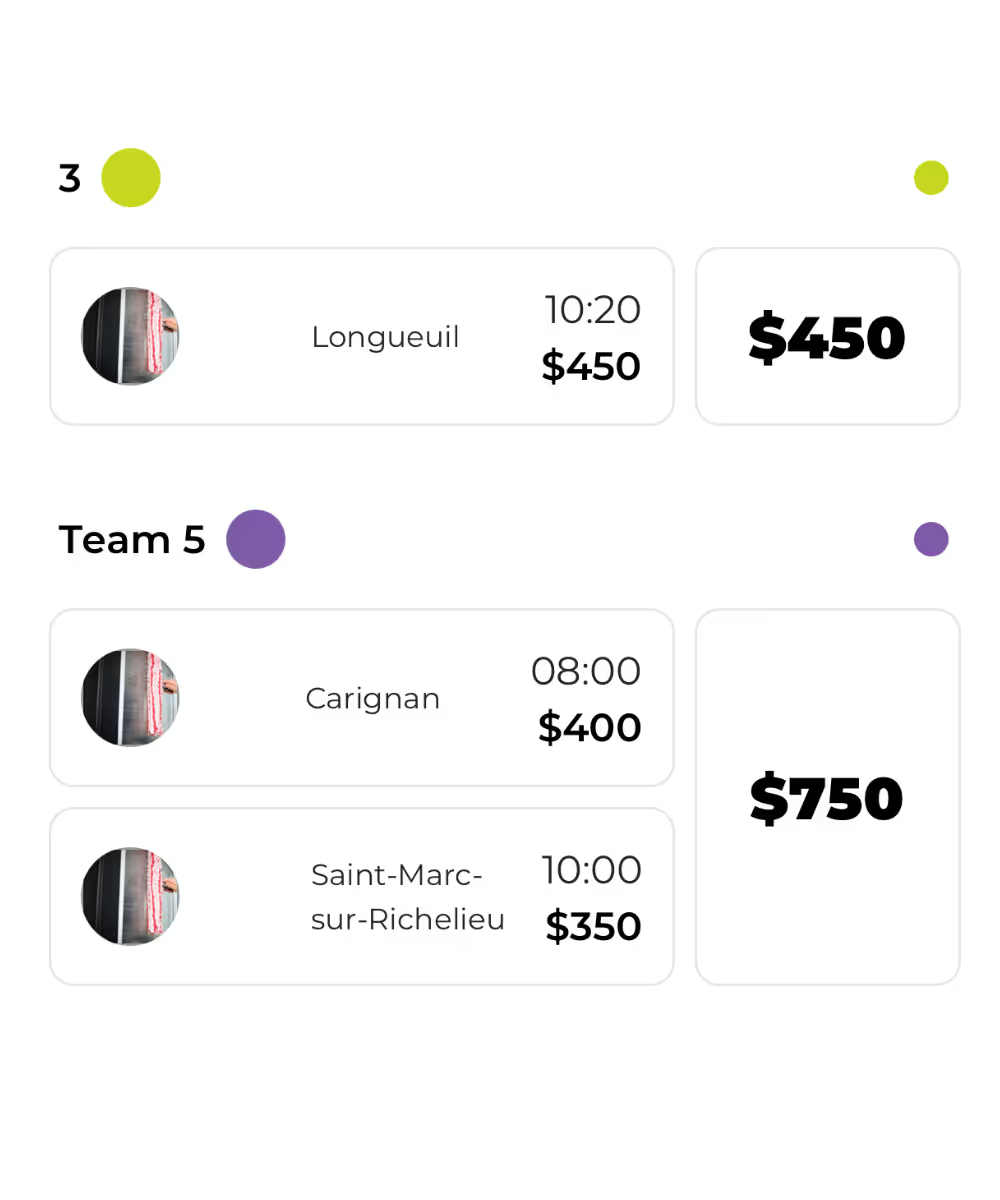
Customers pick from your real availability. AI places jobs optimally based on location and crew skills - no back-and-forth coordination needed.
%20(500%20x%20500%20px)%20(1080%20x%201080%20px)%20(800%20x%201920%20px)%20(700%20x%201080%20px)%20(8).avif)
You show up ready to work
Job details, client info, and payment tracking ready on your phone. Manage everything on site - no evening admin required.
%20(500%20x%20500%20px)%20(1080%20x%201080%20px)%20(800%20x%201920%20px)%20(700%20x%201080%20px)%20(15).avif)
 all in onehub forhome services
crm & operations
Manage your leads & track your jobs
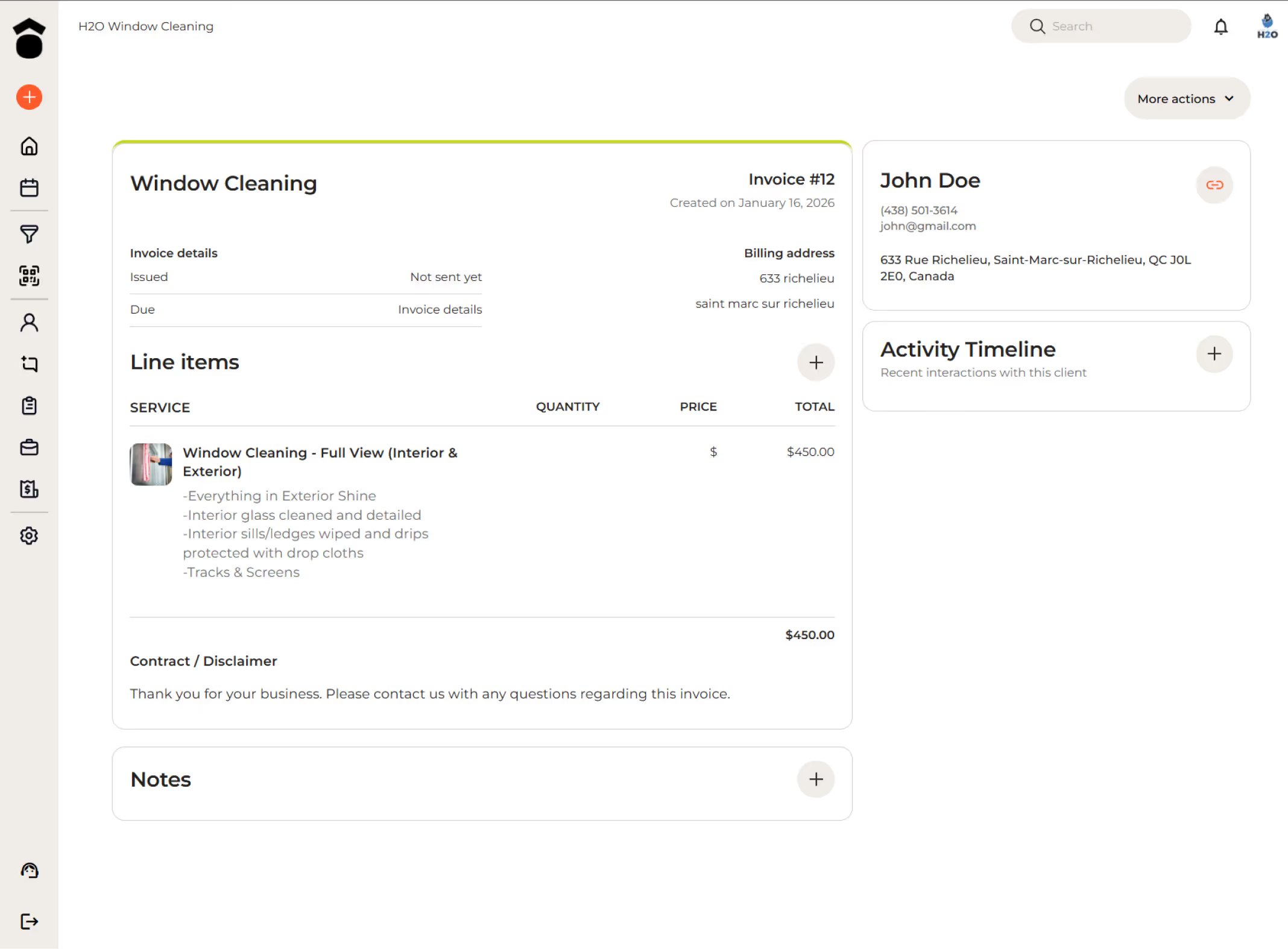
Track every lead from quote to completion. See which jobs are booked, in progress, or need follow-up. Never lose track of opportunities or miss a job detail.
payment tracking &invoice reminders
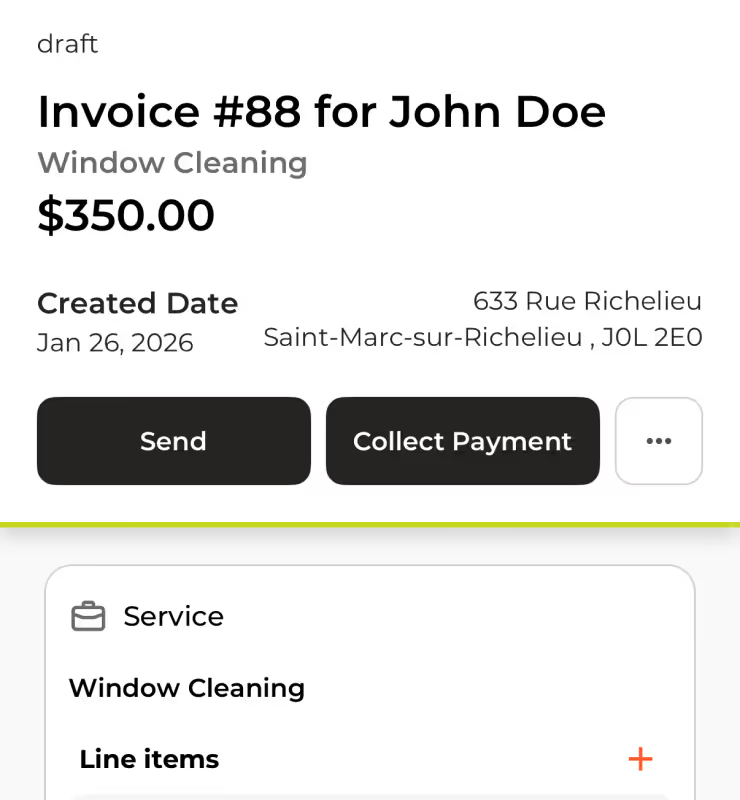
Take control of your business revenue with our integrated Payment Tracking and Invoice Reminders system. Designed to eliminate the stress of accounts receivable.
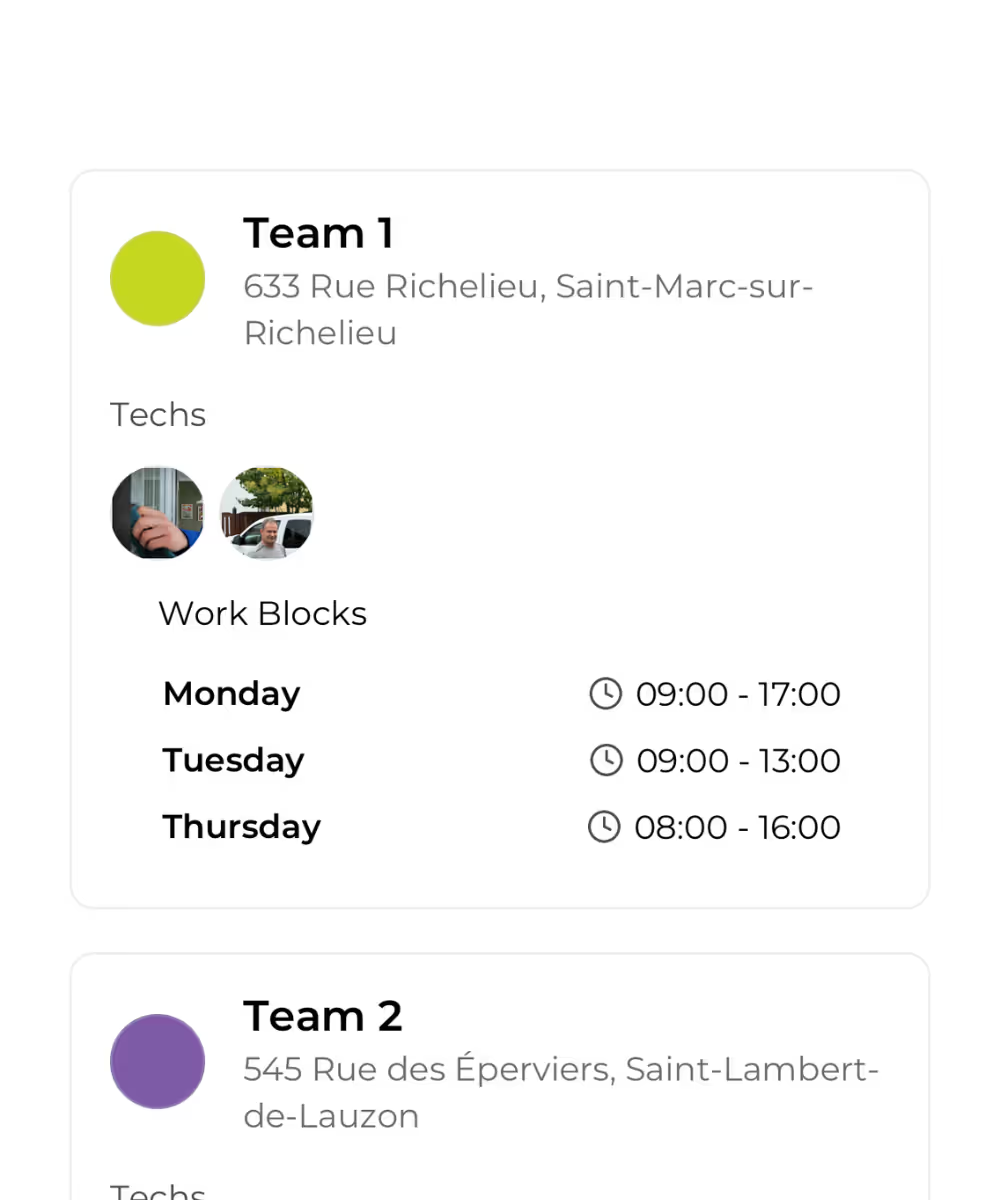
keep your team organized
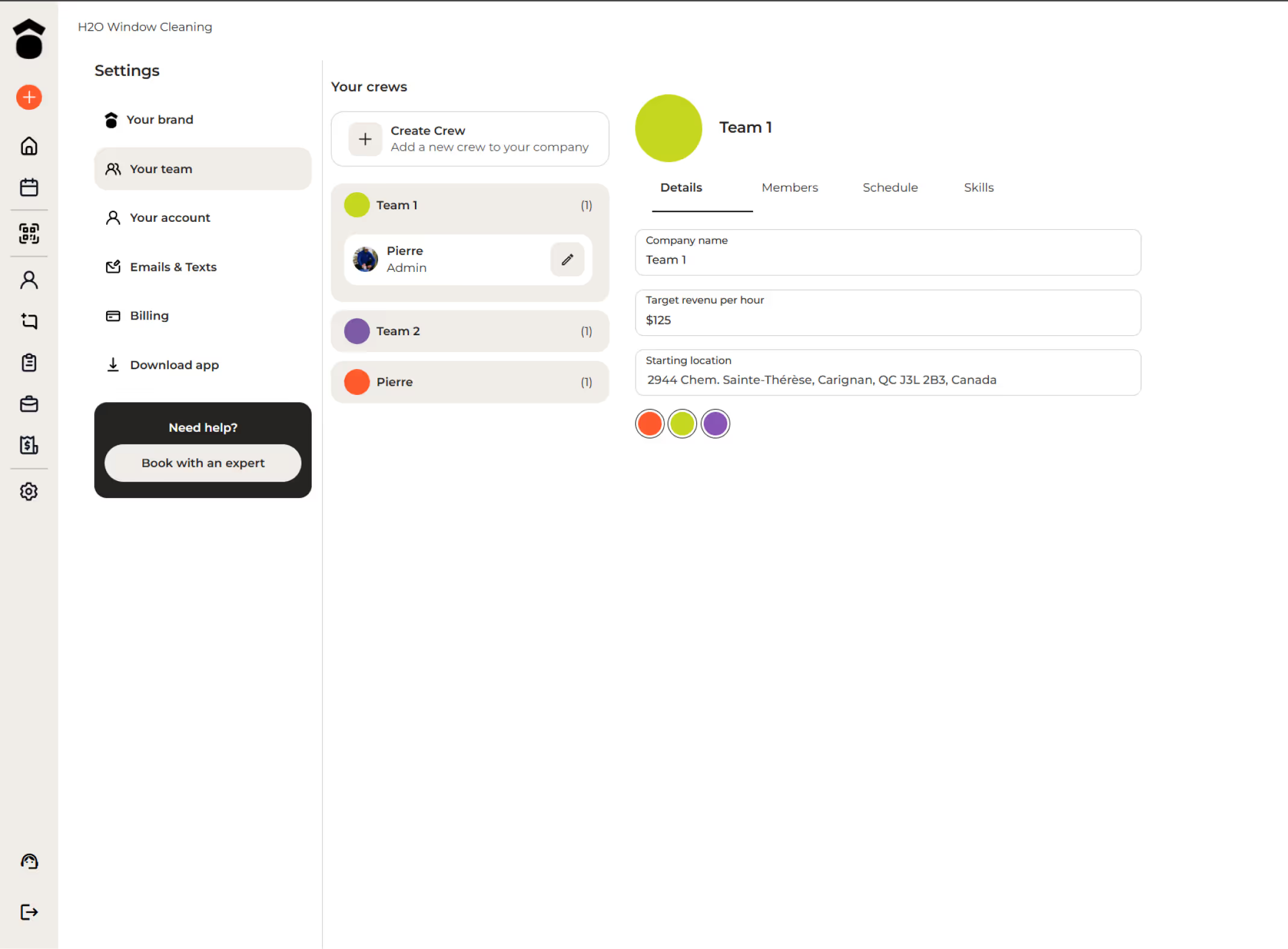
Streamline your dispatching and empower your workforce. Forget about whiteboard scribbles and group texts—our software serves as the single source of truth for your entire operation.

client experience & conversion
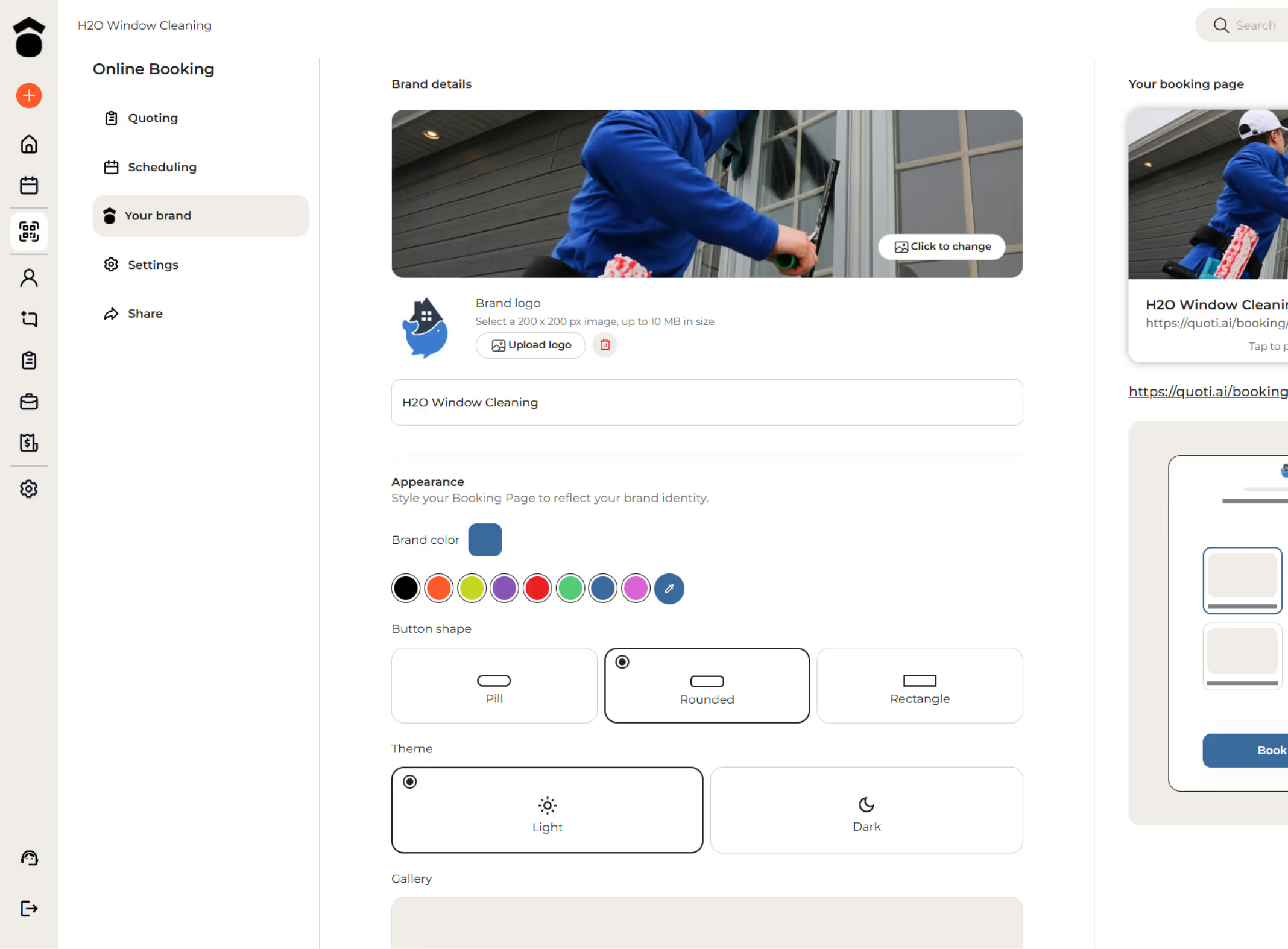
website builder & booking page
Track every lead from quote to completion. See which jobs are booked, in progress, or need follow-up. Never lose track of opportunities or miss a job detail.
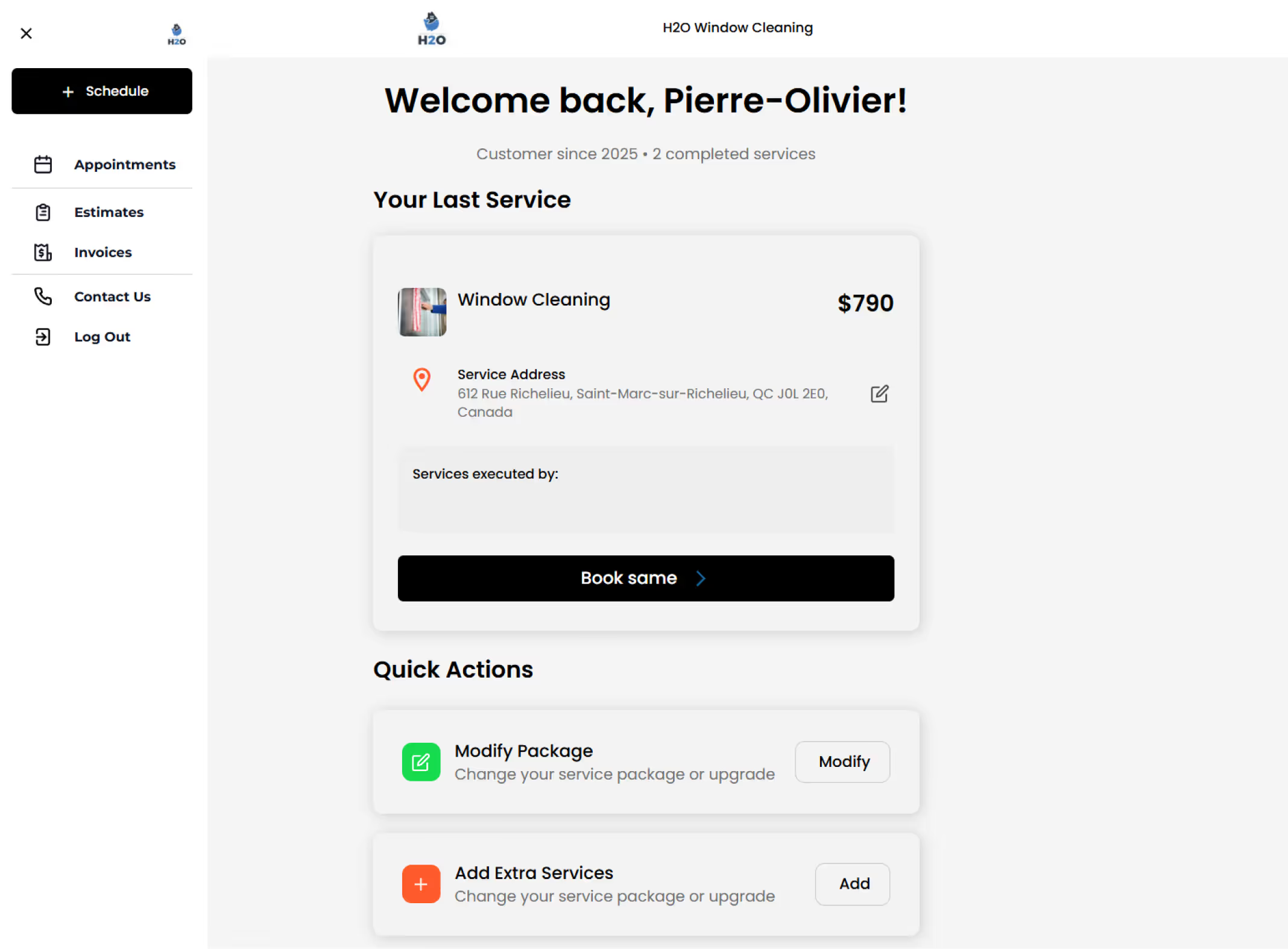
client hub for easy rebooking
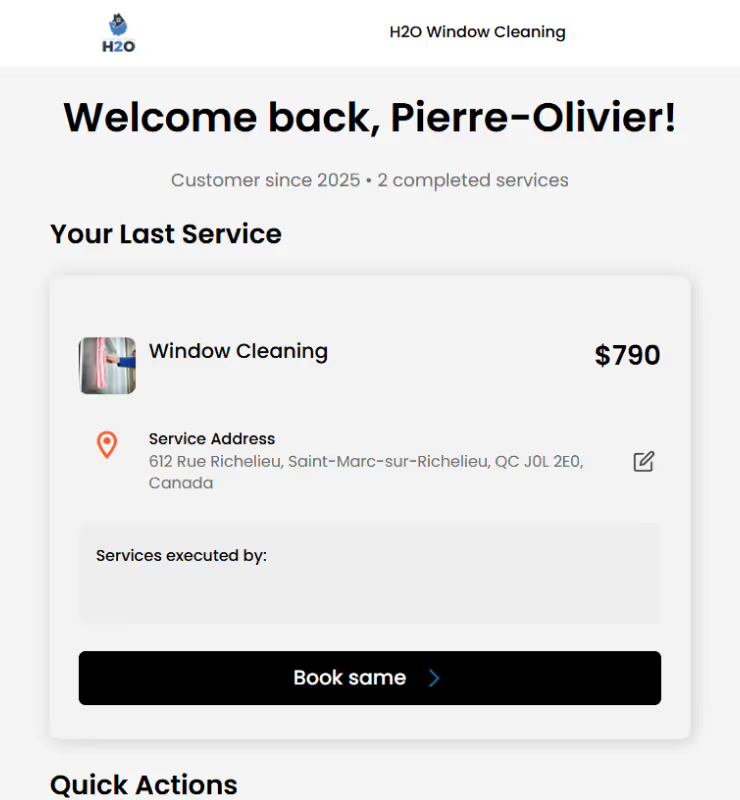
Turn one-time customers into loyal regulars with our dedicated Client Hub, designed to remove all friction from the booking process.
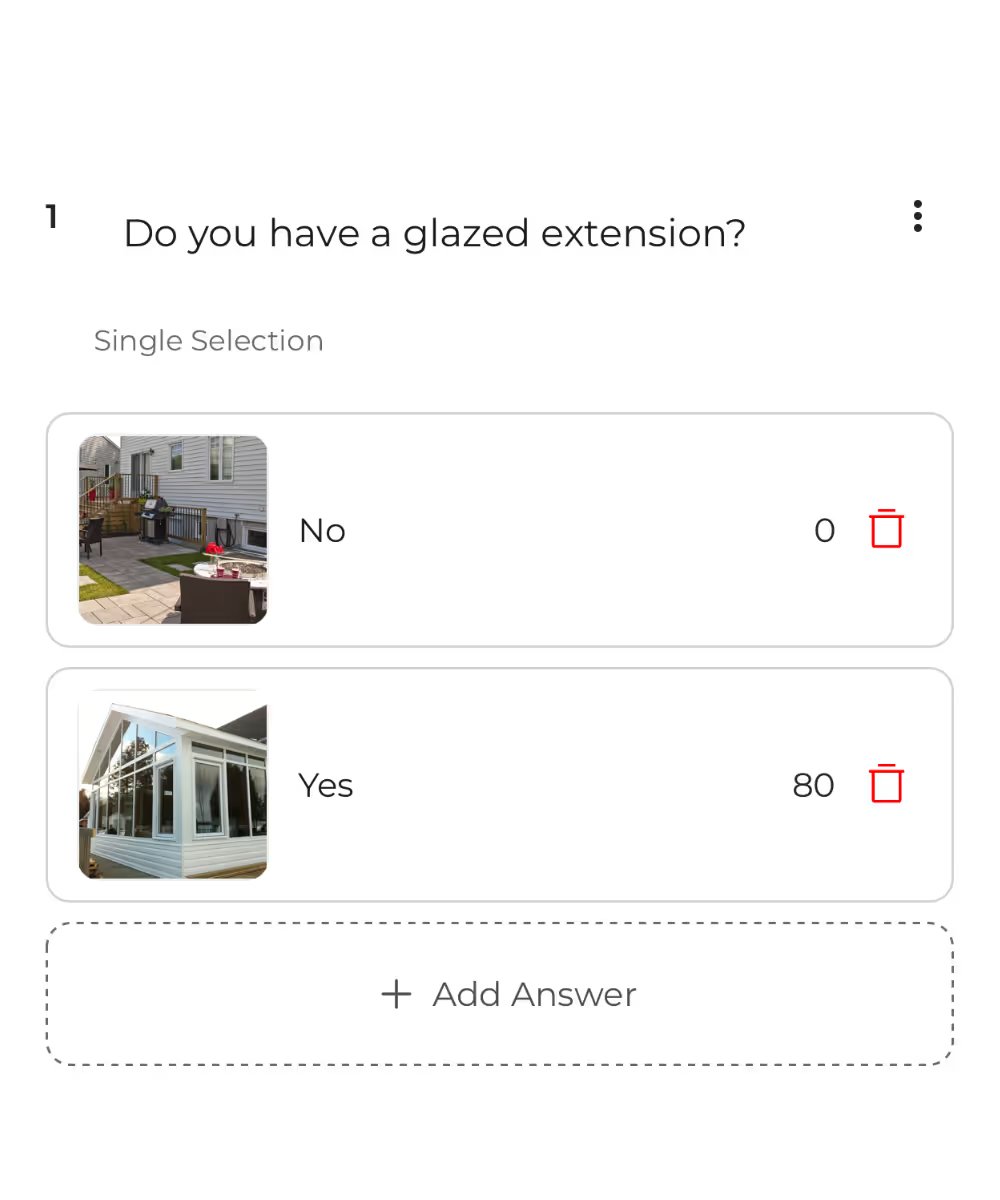
upsells & automated follow-ups
Increase your revenue effortlessly with strategic one-click add-ons integrated directly into the online booking flow.
.avif)

 quoti workswith the toolsyou already know
Quoti integrates with Jobber, HouseCall Pro, and Workiz. Keep your existing CRM - Quoti handles the booking and conversion while syncing jobs to your workflow.



Fill your calendar with booked jobs
Home service businesses using Quoti book more jobs with less admin. See how instant quotes and self-scheduling can fill your calendar.

Interested to see if Quoti is right for your business? Try 30 days free and see it for yourself. No credit card needed.